How to Sell Your Skins Instantly on INSTANTSKINSELL
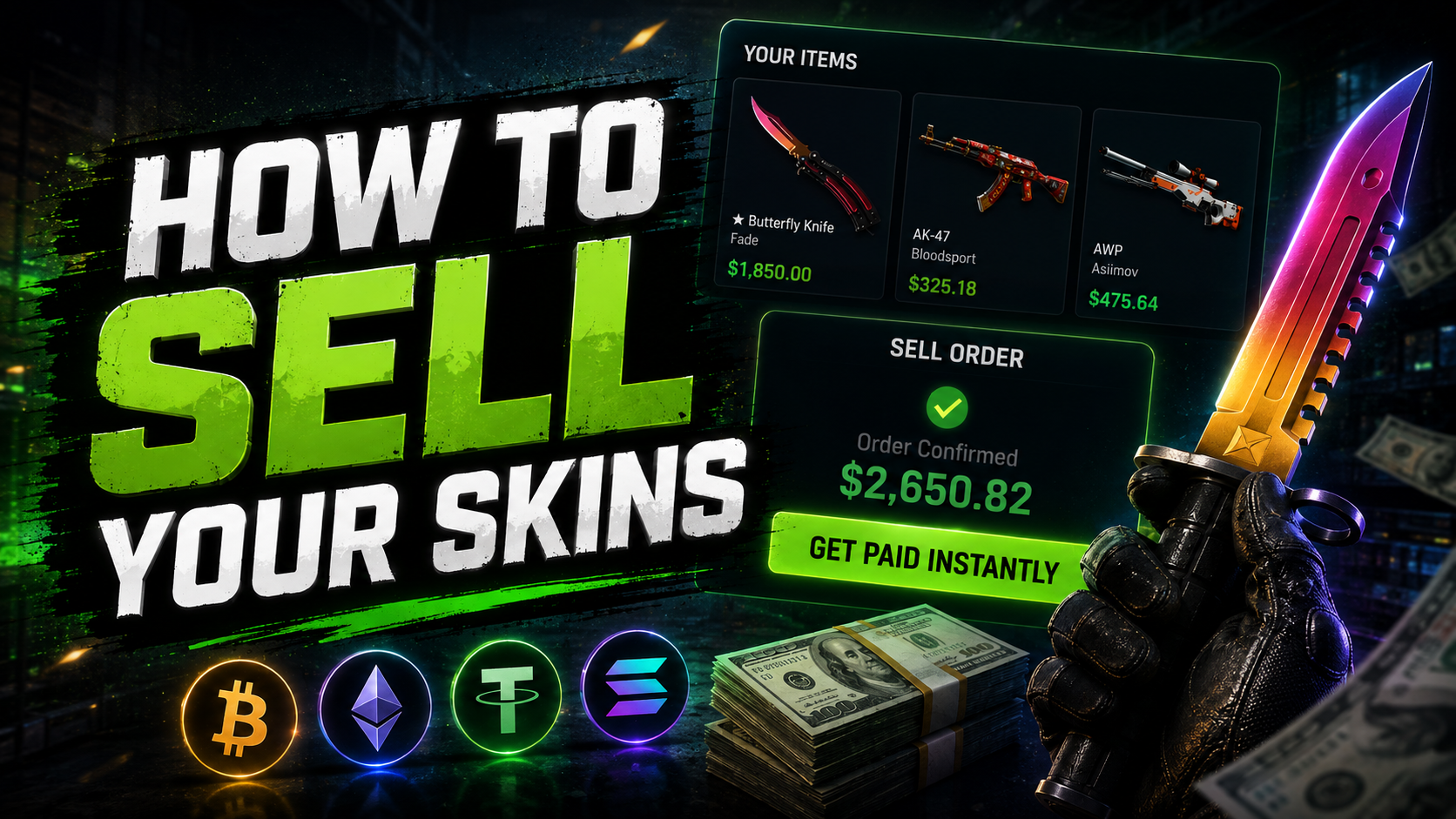
Selling your CS2, Dota 2, TF2, or Rust skins is quick and easy. Follow these steps to complete your sale and receive your payout.
1. Sign in with Steam
Sign in to INSTANTSKINSELL using your Steam account. Once authorized, your Steam inventory will be automatically loaded and ready to browse.
2. Add your Steam Trade URL
Enter your Steam Trade URL to allow our automated trading bot to send you a trade offer. Make sure your Trade URL is correct and belongs to the Steam account you used to sign in.
3. Select your game
Choose the game containing the items you want to sell:
 CS2
CS2 Dota 2
 TF2
TF2 Rust
Rust
4. Select the items you want to sell
Browse your inventory and select the skins or items you want to sell. The total payout for your selected items will be displayed before you proceed.
First Sale Bonus: Enter promo code BONUS10 to get an extra 10% added to your payout on your first sale.
5. Choose your payout method
Select your preferred payout method and enter the required payment details. Double-check your information to avoid delays.
6. Click “GET PAID INSTANTLY”
Review your selected items, payout amount, and payment details, then click GET PAID INSTANTLY to start the sale.
7. Accept the trade offer
Our automated trading bot will send a Steam trade offer to your account. Open Steam, verify the items in the offer, and accept the trade.
8. Receive your payment
Once the trade is completed and the items are received by our bot, your payout will be sent using your selected payment method.
That's it! Your skins are sold and your payment is on the way.